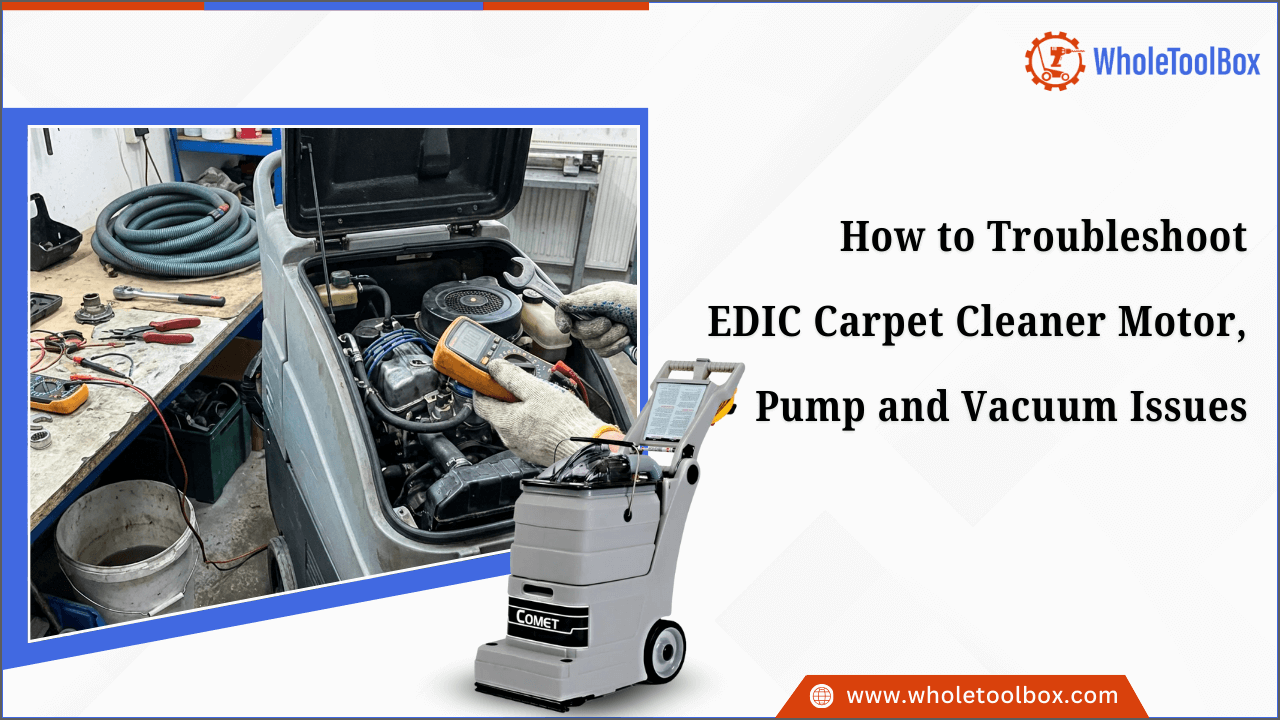
How to Troubleshoot EDIC Carpet Cleaner Motor, Pump and Vacuum Issues
Carpet cleaning performance depends on well-maintained equipment, yet even durable machines can encounter issues over time. Symptoms like suction loss, uneven spray pressure, or unusual motor behavior can reduce efficiency and affect results. Addressing these problems effectively requires a structured troubleshooting approach. This blog offers clear instructions for diagnosing and resolving motor, pump, and vacuum issues in EDIC Carpet Cleaners, helping operators restore performance, prevent damage, and extend the life of their machines.
Common EDIC Carpet Cleaner Motor Problems and Diagnostic Steps
A non-starting motor is one of the most disruptive issues in cleaning operations. The unit may appear completely inactive despite being connected to power.
Motor Fails to Start: A non-starting motor is one of the most disruptive issues in cleaning operations. The unit may appear completely inactive despite being connected to power.
Diagnostic Steps
-
Confirm the power outlet is functional using another device.
-
Inspect the power cord for cuts, exposed wiring, or loose prongs.
-
Check for tripped breakers or blown fuses.
-
Verify that all safety switches are properly engaged.
-
Examine visible wiring connections if accessible.
If the issue persists after verifying the power supply, internal components such as the switch or thermal protector may require professional assessment. Consulting the EDIC Carpet Cleaner manual helps identify correct wiring paths and safety protocols before opening the housing.
Motor Overheats: An intermittent shutdown often indicates thermal overload activation. This protective mechanism prevents internal damage but signals an underlying problem.
Diagnostic Steps
-
Allow the unit to cool completely before restarting.
-
Inspect airflow pathways for dust or debris accumulation.
-
Clean or replace air filters.
-
Ensure ventilation openings are unobstructed.
-
Confirm that the machine is not operating beyond its recommended duty cycle.
Persistent overheating may indicate wear within the EDIC Carpet Cleaner Motor, including weakened bearings or deteriorating windings. Professional servicing is recommended if overheating continues.
Excessive Noise or Vibration: Grinding, rattling, or high-pitched sounds suggest internal wear or loose mechanical components.
Diagnostic Steps
-
Disconnect the machine from power.
-
Tighten external mounting bolts.
-
Inspect the housing for loose panels.
-
Check for debris contacting rotating parts.
-
Evaluate bearing smoothness manually.
If internal components are worn, replacement parts may be required to restore stable performance.
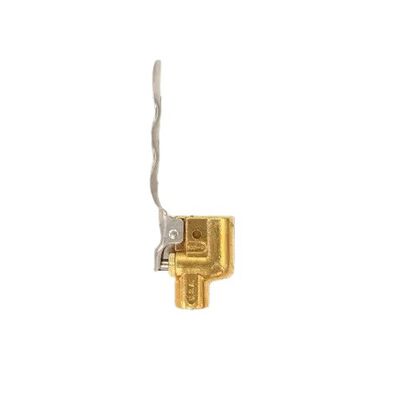
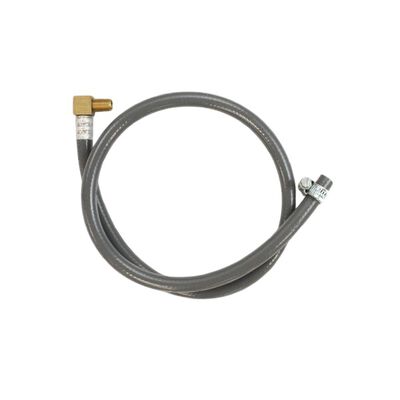
Shop now for high-quality EDIC carpet cleaner parts at WholeToolBox. From pumps and vacuum motors to dome injectors and motor brushes, our durable parts keep your carpet cleaner running smoothly and efficiently.
How to Identify and Fix EDIC Pump Pressure and Water Flow Issues
Effective carpet cleaning depends on steady and consistent solution delivery. When spray pressure drops or water flow becomes irregular, cleaning performance declines, and results may appear uneven. Below are common pump-related issues and how to address them.
Issue 1: Weak or No Spray Output
-
Identification: If the motor runs but little or no solution reaches the carpet, or the spray tips produce an uneven mist or nothing at all, the system likely has a clog or flow restriction. The pump may sound normal, but fail to deliver output.
-
How to Fix: Check that the solution tank has sufficient liquid. Clean the spray nozzles with warm water, inspect hoses for kinks or blockages, and tighten quick-connect fittings. Also, check the inline filters for debris. Regular nozzle cleaning helps prevent recurring spray issues.
Issue 2: Inconsistent or Fluctuating Pressure
-
Identification: Pressure that alternates between strong and weak, pump surging sounds, or uneven solution coverage on the carpet indicate unstable pressure.
-
How to Fix: Inspect intake lines for air leaks and tighten hose connections. Check pump seals and tubing for wear and replace if needed. Clean or replace the internal filter. Refer to the EDIC carpet cleaner manual to confirm correct pressure settings.
Issue 3: Visible Water Leaks Near Pump Area
-
Identification: Water pooling under the machine, damp fittings, or reduced pressure during operation may signal a pump-area leak.
-
How to Fix: Turn off and unplug the unit immediately. Inspect hose clamps, connectors, and gaskets, replacing worn parts as needed. Check the pump housing for cracks and test the machine at low pressure before full use. Early repairs prevent further damage.
Check out the top 7 Bissell carpet cleaner parts that frequently fail & how to fix them and restore cleaning performance
Troubleshooting Vacuum Suction Loss in EDIC Carpet Cleaners
If your EDIC carpet cleaner is experiencing vacuum suction loss, addressing the issue quickly will help maintain cleaning performance and prevent extended drying times. Follow these clear instructions to identify and fix the problem.
-
Power Off and Unplug: Always start by powering off the unit and unplugging it from the outlet. This ensures safe inspection and prevents electrical hazards during internal component checks.
-
Check Hoses and Wand: Disconnect the vacuum hose and wand, then check inside for debris such as lint, carpet fibers, or dirt buildup. Even minor clogs can restrict airflow. Remove any obstruction and ensure the hose is fully clear before reconnecting.
-
Inspect Recovery Tank and Gasket: Strong suction depends on an airtight seal. Make sure the recovery tank lid is properly secured. Inspect the gasket for cracks, flattening, or wear. Replace damaged seals to prevent air leaks.
-
Clean Float Assembly: Remove the float assembly from the recovery tank and clean away detergent residue or debris. Confirm that the float moves freely. A stuck float can block airflow even when the tank is empty.
-
Examine Filters and Screens: If your model includes lint filters or intake screens, remove and rinse them thoroughly. Allow them to dry completely before reinstalling. Dirty filters reduce airflow and weaken suction.
-
Check Hoses and Connections: Carefully inspect all hoses and fittings for cracks, splits, or loose connections. Tighten fittings securely and replace damaged hoses to restore proper airflow.
-
Test the vacuum motor: After completing the checks, plug the machine back in and turn it on. Listen for unusual noises and check suction strength. If airflow remains weak, the vacuum motor may require professional servicing.
-
Confirm Tank Installation: Finally, confirm that the recovery tank is seated correctly and locked into place. Misalignment can interrupt airflow and reduce suction performance.
By following these steps, you can quickly identify the cause of suction loss and keep your EDIC carpet cleaner operating efficiently and reliably.
Preventive Maintenance Tips to Avoid Motor, Pump, and Vacuum Failures
Regular maintenance reduces downtime, prevents costly repairs, and extends the life of your equipment. Follow this structured schedule to maintain consistent performance.
|
Schedule |
Maintenance Area |
Action Required |
|
Daily |
Recovery System |
Empty and rinse recovery tanks to prevent residue buildup. |
|
Solution Lines |
Flush lines with clean water after each use. |
|
|
Exterior & Cords |
Wipe exterior surfaces and inspect hoses and power cords for wear. |
|
|
Weekly |
Spray System |
Clean spray jets thoroughly to avoid clogs. |
|
Hardware Check |
Inspect and tighten loose fasteners. |
|
|
Filtration & Suction |
Check filters for buildup and briefly test suction performance. |
|
|
Monthly |
Pump Performance |
Evaluate pump pressure for consistency. |
|
Electrical Components |
Inspect wiring and connections for wear or looseness. |
|
|
Seals & Motor |
Confirm seals and gaskets are intact and verify stable motor operation. |
These maintenance steps apply to any EDIC carpet cleaning machine, regardless of size or configuration. Always use genuine EDIC carpet cleaner parts to ensure compatibility, maintain performance standards, and reduce the risk of premature equipment failure.
Summary: A Practical Troubleshooting Checklist for EDIC Carpet Cleaner Performance
Maintaining optimal performance in an EDIC carpet cleaner requires systematic inspection of the motor, pump, and vacuum systems. Identifying symptoms such as startup failure, overheating, weak spray pressure, leaks, or suction loss helps isolate issues quickly and accurately. Step-by-step diagnostics of electrical, airflow, and solution systems reduce operational interruptions and prevent unnecessary repairs. Regular maintenance and proper part replacement ensure reliable performance and extended equipment life.
Key Takeaways
-
Always begin diagnostics with basic checks: power supply, connections, and visible damage.
-
Motor overheating or unusual noise often signals airflow blockage or internal component wear.
-
Weak or inconsistent spray pressure typically indicates clogged nozzles, air leaks, or worn pump seals.
-
Vacuum suction loss is commonly caused by hose blockages, damaged gaskets, or float assembly issues.
-
Regular cleaning of tanks, filters, spray jets, and solution lines prevents recurring performance failures.
-
Using genuine EDIC carpet cleaner parts and adhering to scheduled maintenance improves long-term reliability.
FAQs
Why has my EDIC carpet cleaner stopped working?
Check the outlet, power cord, and reset switch. The unit may have overheated or tripped a breaker. If it still won’t start, the motor or internal fuse could be faulty.
Why is my EDIC carpet cleaner not spraying water?
Make sure the solution tank is filled and properly installed. Inspect spray nozzles and hoses for clogs or leaks. If water still doesn’t flow, the pump may be worn or damaged.
Why is the brush not spinning on my EDIC carpet cleaner?
Unplug the machine and remove any debris from the brush roll. Check the drive belt for damage. If the belt is intact, the brush motor may need repair.
| Disclaimer: This information is for general guidance on EDIC carpet cleaner maintenance and troubleshooting. Always follow manufacturer instructions and consult a qualified technician for complex repairs. |