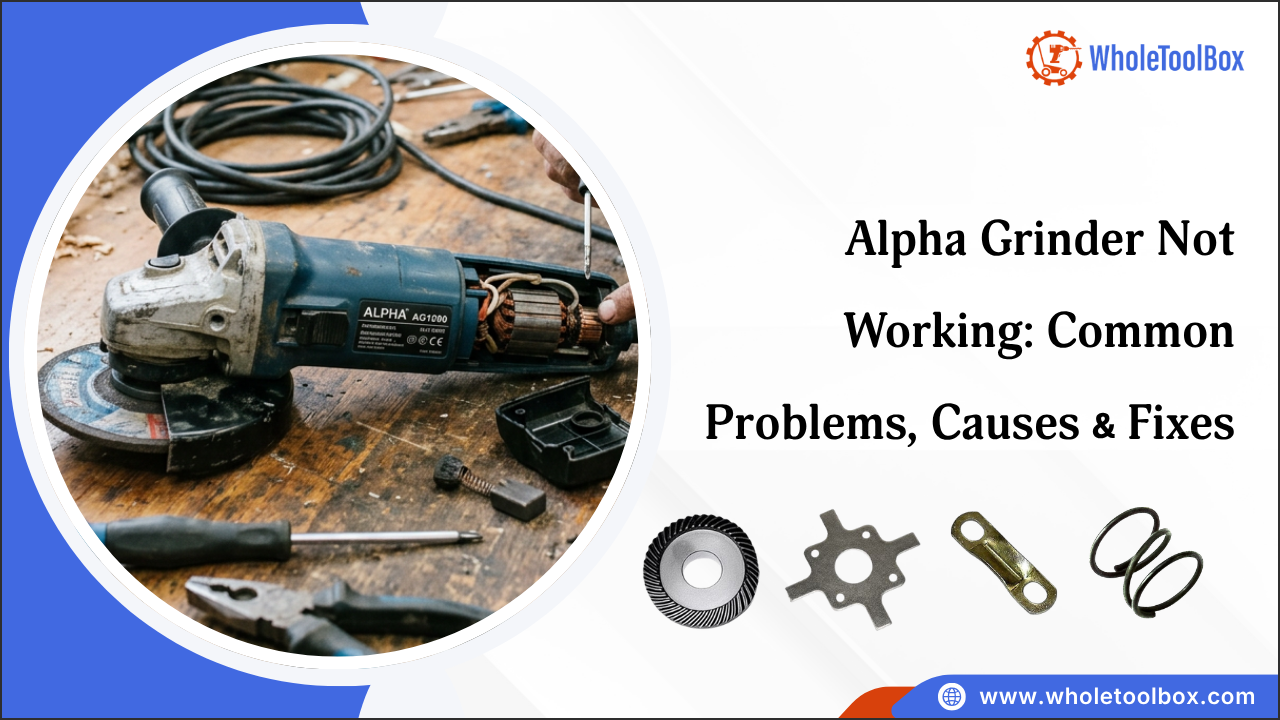
Alpha Grinder Not Working: Common Problems, Causes & Fixes
An Alpha grinder that suddenly stops, struggles under load, overheats, or starts making unusual sounds can bring a concrete job to a halt. What makes these problems frustrating is that the visible symptom does not always point directly to the underlying cause. A grinder that will not start, for example, may have a very different issue from one that runs but repeatedly shuts down.
Before assuming the motor or another major component has failed, it is worth understanding what each symptom can reveal about the grinder’s electrical system, controls, tooling, airflow, and internal components. The right diagnosis can help you avoid replacing a part that was never the real source of the problem.
In this blog, we’ll look at the common signs of Alpha grinder trouble, what may be happening behind each symptom, and the checks that can help narrow down the cause. You’ll also see when a compatible Alpha replacement part may be needed and when the problem calls for professional service.
Table of Contents
Why Is My Alpha Grinder Not Working?
What Are the Common Problems With an Alpha Grinder?
How to Troubleshoot an Alpha Grinder That Is Not Working
How to Fix Common Alpha Grinder Problems
Summary: How to Prevent Alpha Grinder Problems in the Future
FAQs
Why Is My Alpha Grinder Not Working?
An Alpha grinder usually stops working because of a power supply fault, a bad switch, worn carbon brushes, or overheating. An Alpha grinder may stop working because of an electrical problem, overheating, worn internal components, incorrect tooling, or restricted airflow. The first step is to identify how the grinder is failing, because a unit that will not start requires different checks from one that starts but shuts down during operation.
Common causes of an Alpha grinder not working include:
- Power supply problems: A tripped circuit breaker, faulty outlet, damaged power cord, or loose connection can prevent the grinder from receiving power.
- Faulty switch or control: A worn or damaged power switch may prevent the grinder from starting even when the power supply is working.
- Overheating: Continuous heavy use, blocked ventilation openings, excessive load, or restricted airflow can cause the grinder to overheat and shut down.
- Worn motor components: Worn carbon brushes, bearings, or other motor components can cause starting problems, sparking, reduced power, or intermittent operation.
- Incorrect or overloaded tooling: Using unsuitable tooling or applying excessive pressure can place additional load on the motor and cause the grinder to perform poorly or stop.
- Dust and debris buildup: Concrete dust can accumulate around ventilation areas and internal components, restricting cooling and contributing to overheating or premature wear.
When an Alpha grinder develops a fault, checking the power supply, switch, motor, and other relevant components can help identify the cause. Replacing a damaged component with the correct part can help restore the tool's operation. WholeToolBox offers a wide selection of high-quality power equipment parts, including replacement gears, springs, cable clips, and handle covers for compatible equipment.
What Are the Common Problems With an Alpha Grinder?
An Alpha grinder can develop electrical, mechanical, or performance problems through regular use, component wear, or improper operation. Common symptoms include failure to start, loss of grinding power, overheating, excessive vibration, and unusual noises. Identifying the specific symptom helps narrow down the cause and determine the appropriate repair.
Problem 1: Alpha Grinder Not Starting or Turning On
If the Alpha grinder does not start, check the power supply, circuit breaker, plug, power cord, control switch, and applicable protection devices. If the machine receives power but the motor remains inactive, an internal electrical or motor fault may require further diagnosis.
Problem 2: Alpha Grinder Losing Power
An Alpha grinder that starts but loses power may be experiencing excessive grinding pressure, unsuitable tooling, surface resistance, or an obstruction. Check the electrical supply and cable arrangement if the motor sounds strained or performance drops under load.
Problem 3: Alpha Grinder Overheating
An overheating Alpha grinder may have restricted ventilation, excessive load, concrete dust buildup, poor electrical supply, or unsuitable tooling. Stop the machine and allow it to cool before further inspection. Repeated overheating may indicate an underlying mechanical or electrical problem.
Problem 4: Alpha Grinder Making Noise
Unusual noise can point to worn gears, loose hardware, damaged bearings, or another internal mechanical issue. After checking the tooling and external components, further inspection of the drive system may help identify the source of the noise. If a worn component is confirmed, replace it with the correct part specified for the Alpha grinder model.
Problem 5: Excessive Vibration
Excessive vibration can result from uneven tooling, incorrectly installed accessories, loose hardware, or damaged grinding components. Stop the Alpha grinder and inspect the grinding assembly before continuing operation, as prolonged vibration can place additional stress on internal components.
Problem 6: Alpha Grinder Keeps Stopping or Tripping the GFCI
On water-fed models, water entering the motor, a damaged water feed, or a worn seal can trip the GFCI or built-in protection. Check the water line and seals, dry the tool, and use only a GFCI-protected outlet.
How to Troubleshoot an Alpha Grinder That Is Not Working
Use this Alpha grinder troubleshooting checklist to find the fault. If your Alpha grinder is not working, start by checking the power supply, switch, grinding disc, and ventilation openings. The correct troubleshooting method depends on whether the grinder fails to start, loses power during use, overheats, or makes unusual noises. Follow these steps to identify common faults before replacing any components.
Step 1: Disconnect and Inspect
Disconnect the Alpha grinder from power and inspect the plug, cord, controls, housing, grinding head, and visible components for damage, loose parts, or exposed wiring. Do not operate the machine if you find an electrical or mechanical safety hazard.
Step 2: Verify the Power Supply
Check that the outlet is working and the circuit breaker or protection device has not tripped. If using an extension cord, confirm that its length and rating meet the manufacturer's requirements. If the outlet works but the grinder does not, inspect the cord, controls, and internal electrical components.
Step 3: Check the Operating Control
Inspect the trigger or paddle switch and lock-off button for damage or sticking. If the grinder has power but does not respond, a faulty switch or electrical connection may be responsible. Never bypass a safety control to operate the machine.
Step 4: Inspect the Grinding Assembly
With the power disconnected, check the grinding wheel or cup, flange, and spindle for damage, wear, or incorrect installation. If the spindle does not turn freely, a damaged bearing or gear may need service.
Step 5: Check for Overheating
Look for dust buildup around ventilation areas, excessive heat, or a burning odor. These signs can indicate restricted airflow, excessive load, or a motor problem. Allow an overheated grinder to cool completely before testing it again.
Step 6: Inspect Wear Components
Depending on the model, motor brushes, bearings, couplings, switches, and other components may wear over time. Check these parts according to the manufacturer's service instructions and use compatible Alpha grinder parts when replacement is necessary.
Step 7: Test the Machine Carefully
After correcting the problem, ensure all components are properly installed before testing the grinder. Monitor its noise, vibration, temperature, and grinding performance. If the problem returns, stop operation and arrange for professional inspection.
Find out how to replace Alpha sander polisher bearings for smoother performance.
How to Fix Common Alpha Grinder Problems
Alpha grinder repair depends on the cause. When an Alpha grinder develops a fault, identify the symptom and inspect the related component before replacing a part. The repair approach depends on the cause of the problem and the component involved.
Below is a quick overview of common issues and available replacement parts:
| Issue | Diagnosis and Repair Approach |
|---|---|
| Unusual noise | An Alpha grinder making noise often has worn gears or bearings. Inspect the drive system for worn or damaged gears. The Alpha 130442 angle grinder big gear may be suitable when the big gear is faulty. |
| Damaged cable clip | Inspect the cable routing and retaining points. The Alpha 130026 angle grinder cable clip may be used when the cable clip is damaged or missing. |
| Damaged spring | Check for a broken or damaged spring. The Alpha 130389 angle grinder spring may be suitable for the affected assembly. |
| Damaged armature retainer plate | Inspect the armature assembly for damage to the retaining plate. The Alpha 801022 angle grinder armature retainer plate may be used when replacement is required. |
| Damaged handle cover | Inspect the handle area for cracks or other physical damage. The Alpha 801358 handle cover may be used to replace a damaged cover. |
| Overheating | Reduce excessive grinding pressure, check the tooling, clear ventilation areas, and allow the grinder to cool. If overheating continues, further diagnosis may be required. |
| Motor or electrical fault | Burning odors, abnormal sparking, reduced performance, or failure to start can indicate an internal electrical or motor problem. Seek qualified service if basic checks do not identify the cause. |
| Damaged tooling | Replace cracked, excessively worn, or incorrectly installed grinding tooling with the appropriate accessory for the application. |
| Unidentified or serious fault | Stop operation if there is exposed wiring, repeated breaker trips, severe binding, or a damaged safety control. Professional inspection may be required. |
Compatible Alpha Grinder Parts
Once you identify the faulty component, verify the grinder model and the replacement part details before ordering. Alpha grinder parts can vary by model, so checking the manufacturer's or seller's compatibility information helps prevent ordering the wrong component.
Before ordering, check:
- Grinder Model: Confirm the complete Alpha grinder model.
- Part Number: If a part number is available, compare it with the replacement listing and check for superseded numbers.
- Component Type: Confirm that the replacement is the same type of component you need, such as a gear, spring, or handle cover.
- Compatibility: Make sure the replacement is specifically listed for your grinder model.
- Physical Details: Where relevant, compare mounting points, dimensions, connections, or other design features with the original part.
Matching the grinder model with the replacement part's compatibility information is the best way to select an appropriate Alpha grinder part.
Summary: How to Prevent Alpha Grinder Problems in the Future
Regular inspection, proper tooling, adequate dust control, and correct operating practices can help prevent common Alpha grinder problems. Check the power supply, grinding components, ventilation, and wear parts regularly, and address unusual noise, vibration, or overheating before they lead to major repairs.
Key Takeaways
- Check the power supply, cord, plug, and controls before replacing internal components.
- Use the correct diamond tooling for the concrete surface and application.
- Avoid excessive grinding pressure that can overload the motor.
- Keep ventilation areas clean and use appropriate dust extraction.
- Stop operation if the grinder overheats, vibrates excessively, or makes unusual noise.
- Use compatible Alpha grinder parts and seek professional service for internal electrical or motor faults.
Need replacement parts for your Alpha grinder? Shop Alpha repair parts at WholeToolBox for gears, springs, cable clips, armature retainer plates, handle covers, and more to get your grinder back on the job.
FAQs
Why is my Alpha grinder not turning on?
An Alpha grinder may not turn on due to a tripped breaker, damaged power cord, faulty switch, safety control issue, or motor fault. Check the power supply and controls first.
Why does my Alpha grinder keep stopping?
An Alpha grinder may keep stopping because of overheating, excessive load, voltage drop, restricted airflow, mechanical resistance, or unsuitable tooling. Check these areas before replacing parts.
Why is my Alpha grinder overheating?
Alpha grinder overheating can result from excessive grinding pressure, blocked ventilation, dust buildup, incorrect tooling, or prolonged heavy use. Allow the machine to cool and identify the cause before restarting.
How do I troubleshoot an Alpha grinder motor?
Check the power supply, controls, ventilation, tooling, and grinding load. Burning odors, unusual noise, sparking, or reduced performance may indicate a motor fault requiring professional inspection.